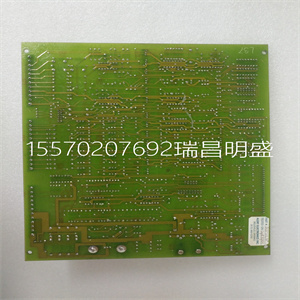
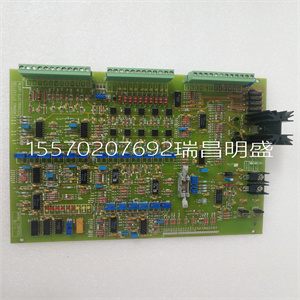
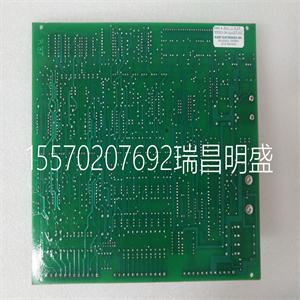
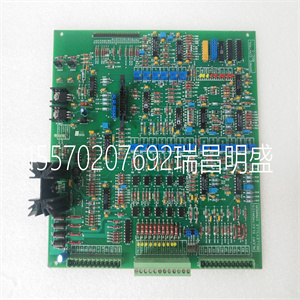


BRAKE BCC-1
基本状况
驱动器的信息。
•手动-表示驱动控制是本地的,即从
控制面板(操作员键盘)。
•自动–表示驱动器控制是远程的,例如:
基本I/O(X1)或现场总线。
•关闭–表示驱动控制处于本地并已停止。
•–表示驱动和电机旋转状态,如下所示:
•右上角–显示活动参考。
中心点使用参数组34:
面板显示,屏幕中心
LCD显示器可配置为:
显示:
•来自组01的三个信号:
操作数据–默认显示显示参数
0103(输出频率)单位为赫兹,0104(电流)单位为安培
和0120(AI1)作为百分比。
•来自组01的两个信号:运行数据–如果只有两个
选择要指示的参数,以及
显示参数。
控制面板显示意义
旋转箭头(顺时针或
逆时针方向)
•驱动器正在运行并处于佳状态
设定点。
•轴方向向前
或者相反。
虚线旋转箭头驱动器正在运行,但未处于运行状态
设定点。
停止静止箭头驱动。
虚线固定箭头启动命令存在,但
电机未运行,例如:。
因为启动使能是
丢失的
7.A
0赫兹
44%
3.15.自动15.0Hz
00:00菜单
启动和控制面板73
ACH550-01用户手册
•一个巴计,而不是每个信号
价值
底部LCD的底部
显示器显示:
•下角–显示当前分配给用户的功能
两个软键。
•下中心–显示当前时间(如果配置为:
显示时间)。
操作驱动器
自动/手动–驱动器一次通电时
在自动模式下(远程控制),并从
控制端子块X1。
切换到手动模式(本地控制)并控制驱动器
使用控制面板(操作员键盘),按下手动键
或关闭键。
•按下手动键可将驱动器切换到本地控制
同时保持驱动器运行。
•按下OFF键可切换到本地控制并停止控制
驾驶
要切换回自动模式,请按键。
启动/停止–要启动驱动器,请按手()或
自动键()。要停止驱动器,请按OFF键()。
参考–修改参考(仅当显示
在右上角,以倒彩色突出显示)按
向上或向下键(参考立即更改)。
可以在手动模式下修改参考。它可以是
参数化(使用组11:参考选择)也可以
允许在AUTO m中进行修改
BRAKE BCC-1
BRAKE BCC-1
the basic status information of the drive. • HAND – Indicates that the drive control is local, i.e., from the control panel (operator keypad). • AUTO – Indicates that the drive control is remote, such as the basic I/O (X1) or fieldbus. • OFF – Indicates that the drive control is local and stopped. • – Indicates the drive and motor rotation status as follows: • Upper right – shows the active reference. Centre. Using parameter Group 34: PANEL DISPLAY, the centre of the LCD display can be configured to display: • Three signals from Group 01: OPERATING DATA – The default display shows parameters 0103 (OUTPUT FREQ) in hertz, 0104 (CURRENT) in amperes and 0120 (AI1) as a percentage. • Two signals from Group 01: OPERATING DATA – If only two parameters are selected to be indicated, also the names of the parameters are displayed. Control panel display Significance Rotating arrow (clockwise or counterclockwise) • Drive is running and at setpoint. • Shaft direction is forward or reverse. Dotted rotating arrow Drive is running but not at setpoint. Stationary arrow Drive is stopped. Dotted stationary arrow Start command is present, but the motor is not running, e.g. because start enable is missing. 7 A 0 Hz 44.0 % 3. 15. AUTO 15.0Hz 00:00 MENU Start-up and control panel 73 ACH550-01 User's Manual • A bar meter instead of each signal value. Bottom. The bottom of the LCD display shows: • Lower corners – Show the functions currently assigned to the two soft keys. • Lower centre – Displays the current time (if configured to show the time). Operating the drive AUTO/HAND – The very first time the drive is powered up, it is in the AUTO mode (remote control), and controlled from the Control terminal block X1. To switch to the HAND mode (local control) and control the drive using the control panel (operator keypad), press the HAND key or the OFF key . • Pressing the HAND key switches the drive to local control while keeping the drive running. • Pressing the OFF key switches to local control and stops the drive. To switch back to the AUTO mode, press the key. Start/Stop – To start the drive, press the HAND ( ) or AUTO key ( ). To stop the drive press the OFF key ( ). Reference – To modify the reference (only possible if the display in the upper right corner is highlighted in inverted colour) press the UP or DOWN keys (the reference changes immediately). The reference can be modified in the HAND mode. It can be parameterized (using Group 11: REFERENCE SELECT) to also allow modification in the AUTO m
Copyright ©2019-2022 瑞昌明盛自动化设备有限公司 版权所有 赣ICP备2021006016号






