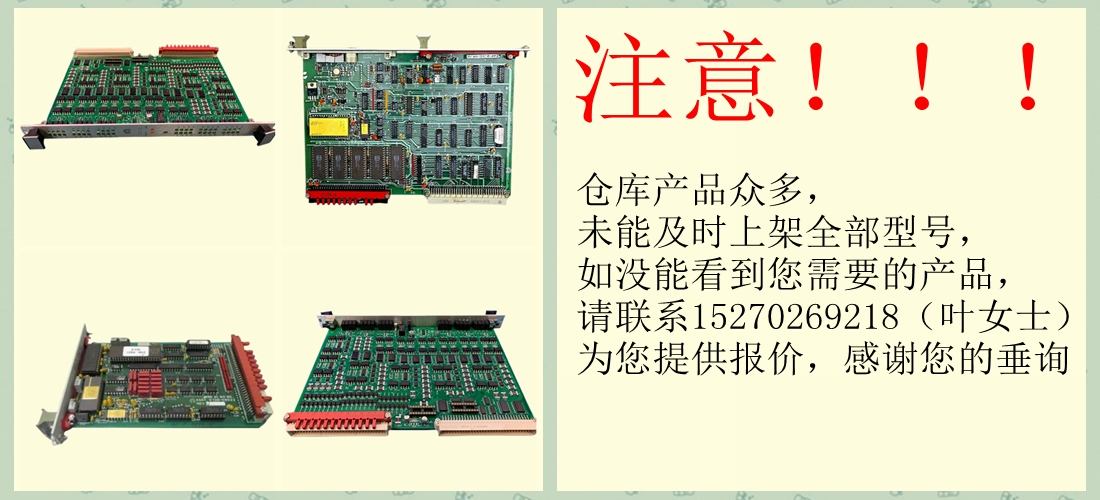
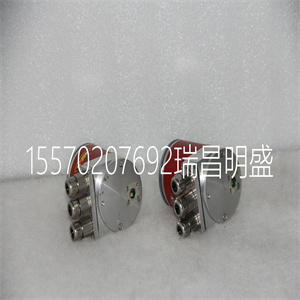
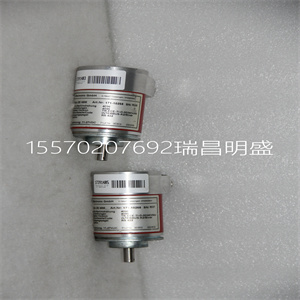





YTE102C YT213001-BC/2 YTE 102C 伺服电源模块
必须使用TC562。在这种情况下,将调制解调器安装到DIN导轨上
在合适的位置,将24 V直流电源连接到调制解调器并连接
连接CI853和TC562调制解调器输入端子的TK853电缆
4.将TC562调制解调器输出端子连接到输出电缆。
TC562调制解调器可用于以下距离/速度:
•传输速度为19200比特/秒时,高可达1000米(1100码)
•传输速度为1200比特/秒,高可达12000米(13100码)
连接器
将RS-232C通道连接至标有COM1和COM2的RJ45连接器
在TP853基板上。
表14.CI853 RS23-C接口——COM1和COM2连接器
引脚名称方向描述
1–9–见TP830中的COM3,85页的表6。
请注意,CI853单元没有单元冗余。
安装PROFIBUS DP接口,CI854/CI854A/TP8542节安装
116 3BSE036351-510 A
安装PROFIBUS DP接口,
CI854/CI854A/TP854
CI854/CI854A由处理器单元通过CEX总线供电,以及
因此不需要额外的外部电源。
使用以下步骤安装CI854/CI854A/TP854:
1.将装置安装到DIN导轨上,请参阅将AC 800M装置安装在DIN导轨上
在65页,将PM86x/TP830处理器单元安装在单个
配置见78页。
2.在PROFIBUS DP电缆上安装连接器。可切换的连接器
建议使用内置总线终端。将电缆屏蔽连接到金属上
通过CI854/CI854A将屏幕接地的连接器外壳。连接数据
电缆导线A连接至端子PIN8(RxD/TxD-N),数据电缆导线B连接至
端子PIN3(RxD/TxD-P)。如果数据传输电缆的数据线带有:
红色和绿色绝缘,则应使用以下分配:
数据电缆A线:绿色
数据电缆B线:红色
3.将两条线路的电缆屏蔽连接至功能接地,例如:
使用接地夹。
4.将PROFIBUS DP电缆连接到其中一个连接器PROFIBUS A或
底板上的PROFIBUS B。为了支持线路冗余,连接
另一个触点的二根PROFIBUS DP电缆。
5.如果CI854/CI854A位于PROFIBUS DP电缆的末端,则切换总线
终端打开。否则,保持总线终端关闭。
以下适用于CI854A:
6.如果CI854A安装在冗余配置中,则连接
连接主模块和备用模块的PROFIBUS DP电缆。按照中的描述进行
图39117页。打开主接口的终端
或位于线路末端的备份模块。
YTE102C YT213001-BC/2 YTE 102C 伺服电源模块
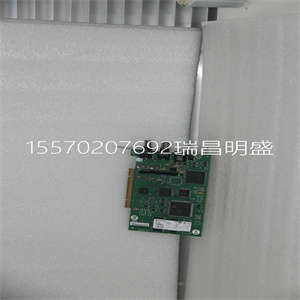
YTE102C YT213001-BC/2 YTE 102C 伺服电源模块
TC562 must be used. In this case mount the modem onto a DIN-rail in a
suitable position, connect a 24 V DC power supply to the modem and connect
cable TK853 from CI853 to the TC562 modem input terminals
4. Connect the TC562 modem output terminals to the outgoing cable.
The TC562 modem can be used for the following distances/speeds:
• Up to 1000 m (1100 yd) with transmission speed 19200 bit/s
• Up to 12000 m (13100 yd) with transmission speed 1200 bit/s
Connectors
Connect the RS-232C channels to the RJ45 connectors marked COM1 and COM2
on the TP853 Baseplate.
Table 14. CI853 RS23-C Interface – COM1 and COM2 Connectors
Pin Designation Direction Description
1–9 – – See COM3 on TP830, Table 6 on page 85.
Note that there is no unit redundancy for the CI853 unit.
Installing the PROFIBUS DP Interface, CI854/CI854A/TP854 Section 2 Installation
116 3BSE036351-510 A
Installing the PROFIBUS DP Interface,
CI854/CI854A/TP854
The CI854/CI854A is powered from the processor unit via the CEX-Bus and
requires therefore no additional external power source.
Use the following procedure to install the CI854/CI854A/TP854:
1. Mount the unit onto the DIN-rail, see Mounting AC 800M Units onto DIN-Rail
on page 65 and Installing the PM86x/TP830 Processor Unit in Single
Configuration on page 78.
2. Install a connector on the PROFIBUS DP cable. A connector with a switchable
built-in bus termination is recommended. Connect the cable screen to the metal
case of the connector to ground the screen via CI854/CI854A. Connect the data
cable wire A to the terminal PIN8 (RxD/TxD-N) and the data cable wire B to
the terminal PIN3 (RxD/TxD-P). If the data transfer cable has data wires with
red and green insulation, then the following assignment should be used:
Data cable wire A: green
Data cable wire B: red
3. Connect the cable shield for both lines to functional ground, for example by
using a grounding clamp.
4. Connect the PROFIBUS DP cable to one of the connectors PROFIBUS A or
PROFIBUS B on the baseplate. For support of Line Redundancy connect a
second PROFIBUS DP cable to the other contact.
5. If the CI854/CI854A is at the end of the PROFIBUS DP cable, switch the bus
termination ON. Otherwise leave the bus termination switched OFF.
The following applies for CI854A:
6. If the CI854A is installed in a redundant configuration connect the
PROFIBUS DP cable to primary and backup module. Do it like described in
Figure 39 on page 117. Switch the termination ON for the interface on primary
or backup module that is at the end of the line.
Copyright ©2019-2022 瑞昌明盛自动化设备有限公司 版权所有 赣ICP备2021006016号