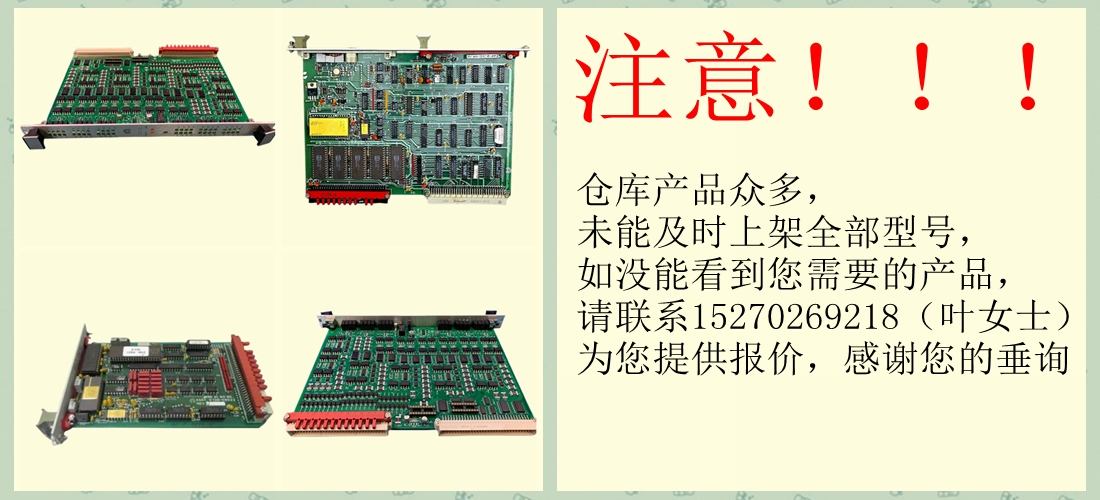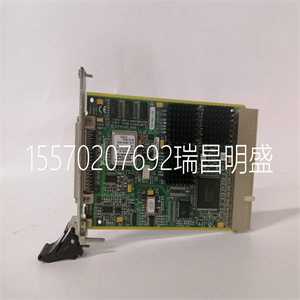
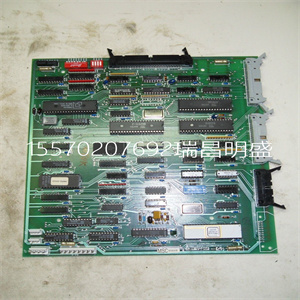
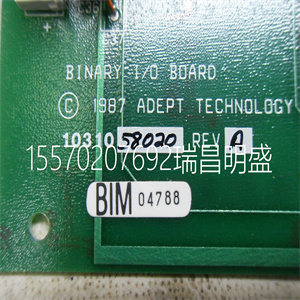
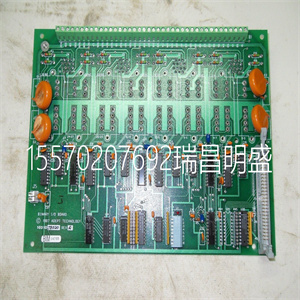






88FT01 88FT01D GJR2332200R100 自动化控制模块
为了保持足够的冷却气流通过AC 800M控制器单元,有
装置上方50mm(2英寸)和下方25mm(1英寸)范围内不得有障碍物,
如149页图52所示。请注意,CPU和通信
接口必须安装在水平DIN导轨上。
图52.通风要求-小安装尺寸
>261毫米
(10.3英寸)
>50毫米(2.0英寸)
>50毫米(2.0英寸)
>25毫米(1.0英寸)
>25毫米(1.0英寸)
无障碍区
无障碍区
适当通风的安装尺寸2节:安装
150 3BSE036351-510 A
3BSE036351-510 A 151
3节配置
一般信息
使用工程工具Control Builder,可以配置硬件(I/O
和通信单元),并使用控制语言制作应用程序
根据IEC 61131-3。程序可以离线编译和运行,以帮助
终将应用程序下载到控制器之前的过程模拟。这个
控件生成器提供了一组选项,每个选项都有自己的一组属性。仅仅
选择接近系统要求的选项。
•Control Builder文档–用于配置信息
•控制软件文档——可用功能。
在下列情况下,Control Builder联机帮助提供详细的分步信息:
为AC 800M控制器创建应用程序。
连接控件生成器3节配置
152 3BSE036351-510 A
连接控件生成器
Control Builder安装在通常连接到AC 800M的PC中
控制器通过控制网络和控制器上的CN1或CN2端口
(参见153页图53)。
或者,控制生成器可以通过COM4端口(RS-232C)连接
在AC 800M控制器上。使用工具电缆TK212和PC上的串行端口。
在冗余配置中,控制生成器连接到主CPU
COM4端口。备份CPU无法与Control Builder通信。
PM851/PM851A仅限于一个以太网(CN1)端口,因此是冗余的
以太网不可用。
标准控件生成器不支持CI862。如果要使用CI862
必须安装合适的系统扩展。
要使用FF HI功能,请使用升级CI852单元的固件
串行固件升级工具。串行固件升级工具加载
控制器具有FF HI功能的特殊固件。手动浏览
串行固件升级工具和
选择firmware.ext。
88FT01 88FT01D GJR2332200R100 自动化控制模块
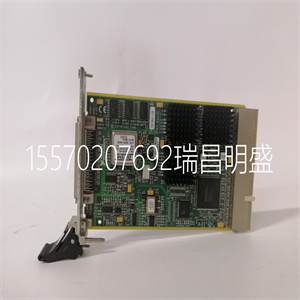
88FT01 88FT01D GJR2332200R100 自动化控制模块
vTo maintain adequate cooling airflow through the AC 800M Controller units, there
must be no obstruction within 50 mm (2 in) above and 25 mm (1 in) below the units,
as shown in Figure 52 on page 149. Note that the CPU and Communication
Interfaces must be mounted on a horizontal DIN-rail.
Figure 52. Ventilation Requirements – Minimum Mounting Dimensions
>261 mm
(10.3 in)
>50 mm (2.0 in)
>50 mm (2.0 in)
>25 mm (1.0 in)
>25 mm (1.0 in)
Unobstructed areas
Unobstructed areas
Mounting Dimensions for Proper Ventilation Section 2 Installation
150 3BSE036351-510 A
3BSE036351-510 A 151
Section 3 Configuration
General Information
Using the engineering tool Control Builder, it is possible to configure hardware (I/O
and communication units) and make application programs with control languages
according to IEC 61131-3. Programs can be compiled and run off-line as an aid to
process simulation before finally downloading an application to the controller. The
Control Builder offers a set of options, each with its own set of properties. Simply
select the option that is closest to system requirements.
• Control Builder documentation – for configuration information
• Control Software documentation – for available functionality.
Control Builder Online Help provides detailed step-by-step information when
creating an application for the AC 800M Controller.
Connecting Control Builder Section 3 Configuration
152 3BSE036351-510 A
Connecting Control Builder
The Control Builder is installed in a PC that is normally connected to the AC 800M
Controller via the Control Network and the CN1 or CN2 ports on the controller
(see Figure 53 on page 153).
Alternatively, the Control Builder may be connected via the COM4 port (RS-232C)
on the AC 800M Controller. Use the tool cable TK212 and a serial port on the PC.
In redundant configuration, the Control Builder is connected to the Primary CPU
COM4 port. The Backup CPU cannot communicate with Control Builder.
PM851/PM851A is restricted to one Ethernet (CN1) port, thus redundant
Ethernet is not available.
Control Builder as standard does not support CI862. If CI862 is to be used
suitable system extension must be installed.
To use the FF HI functionality, upgrade the firmware of CI852 unit by using
Serial Firmware Upgrade Tool. The Serial Firmware Upgrade Tool loads the
special firmware with FF HI functionality to the Controller. Manually browse the
folder, ..\FirmwareFiles\SC860rFFHI in the Serial Firmware Upgrade Tool and
select firmware.ext.
Copyright ©2019-2022 瑞昌明盛自动化设备有限公司 版权所有 赣ICP备2021006016号