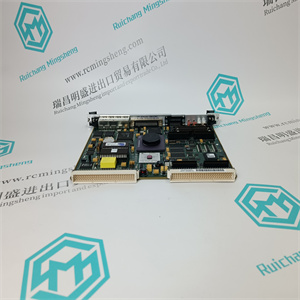
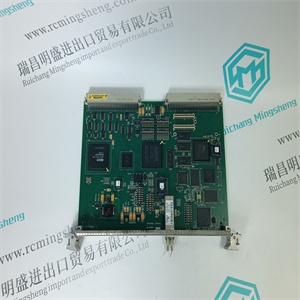
P0961FX CP60S CPU模块控制处理器 FOXBORO INVENSYS
re是四个数字输出,可用于:
•液位检测器的指示输出,可连接至AO1-AO6中的任何一个
•“状态正常”表示系统运行正常
可以为用作液位检测器的任何输出设置以下参数:
1.连接信号(可连接AO1至AO6)
2.通过选择以下功能之一来定义功能:
–Off(不使用数字输出)
-间断
(液位检测器:高液位检测设置为激活)
–LoActive
(液位检测器:低液位检测设置为激活)
–HiAndLoActive
(液位检测器:高和低液位检测设置为激活)
–状态
当系统正常运行时,数字输出指示“状态正常”。
设置数字输出用于状态指示时的状态:
系统正常运行时(无警告或错误)
DO设置为高(状态“1”)。
当检测到警告或错误时(电平检测器也将影响状态信号),
DO设置为低(状态“0”)。
如果数字输出设置为关闭或设置为状态,则步骤3和4中的参数未显示:
3.输入液位检测器值(N、kN、kg、lbs、N/m、kN/m、kg/m、pli):
–高电平,如果设置了HiActive
–低电平,如果设置了LoActive
–如果HiAndLoActive设置为高电平和低电平
4.输入滞后值(N、kN、kg、lbs、N/m、kN/m、kg/m、pli)
如果设置了HiAndLoActive,则高电平和低电平的滞后值相同。
注
DO1的菜单在以下示例中描述。使用菜单
做
P0961FX CP60S CPU模块控制处理器 FOXBORO INVENSYS
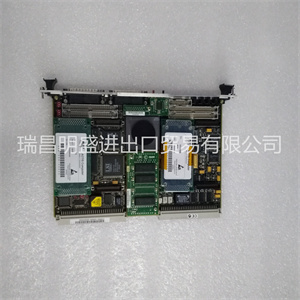
P0961FX CP60S CPU模块控制处理器 FOXBORO INVENSYS
re are four digital outputs, which can be used as:
• Indication outputs for level detectors that can be connected to any of AO1-AO6
• “Status OK” to indicate that the system is running normally
The following parameters can be set for any of the outputs to be used as a level detectors:
1. Connect Signals (AO1 to AO6 can be connected)
2. Define Function by selecting one of the following functions:
– Off (The digital output is not used)
– HiActive
(Level detector: High level detection set to Active)
– LoActive
(Level detector: Low level detection set to Active)
– HiAndLoActive
(Level detector: High And Low level detection set to Active)
– Status
The digital output indicates “Status OK”, when the system is running normally.
States when a digital output is set up for status indication:
When the system is running normally (no warnings or errors)
DO is set to high (state "1").
When a warning or error is detected (level detectors will also affect the status signal),
DO is set to low (state "0").
If the digital output is set to Off or set to Status the parameters in steps 3 and 4 are not shown:
3. Enter level detector value (N, kN, kg, lbs, N/m, kN/m, kg/m, pli) for:
– High level, if HiActive is set
– Low level, if LoActive is set
– High Level and Low level, if HiAndLoActive is set
4. Enter Hysteresis value (N, kN, kg, lbs, N/m, kN/m, kg/m, pli)
If HiAndLoActive is set, the hysteresis value is the same for High level and Low level.
NOTE
Menus for DO1 are described in the following examples. Use menus for
DO
P0961FX CP60S CPU模块控制处理器 FOXBORO INVENSYS