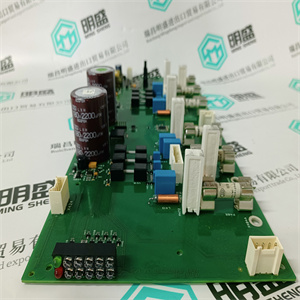
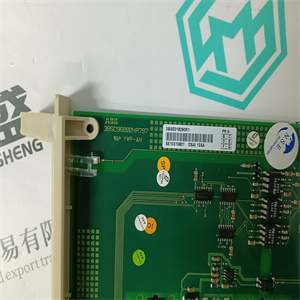
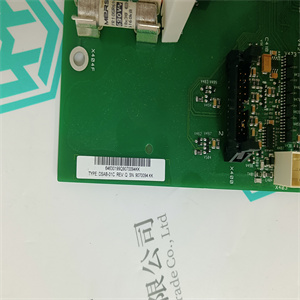
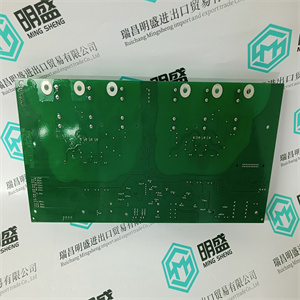
803456-4T 可分布式现场电源模块PlC电源 Reliance
ame控制网络,可能由于MAC导致控制网络问题
以及IP地址处理。请参阅冗余中的MAC和IP地址处理
第53页的配置。除非
更换的模块和之前与之一起工作的模块是冗余的
已知从先前的相互地址交换中恢复配置。
建议设置IP配置会话并使用“还原工厂”
“设置”选项,然后重新分配IP地址或
分配新的IP地址。
在线更换故障RCU链路电缆第5节维护
210 3BSE036351-600 A
在线更换缺陷RCU链路电缆
与BC810配置
如果证明支持在线更改,则在上述警告之后
考虑,BC810外部提供24V,步骤与
可以遵循没有BC810的配置。
与BC820配置
如果证明支持在线更改,则在上述警告之后
考虑,BC820s外部提供24V,步骤与
可以遵循没有BC820的配置。
在没有BC810的配置中
要在冗余CPU配置中交换RCU链路电缆,请执行
以下步骤:
1.关闭备用CPU的电源。(主CPU上电必须:
仍然打开。)
2.断开RCU链路电缆与备份CPU的连接。
3.断开RCU链路电缆与主CPU的连接。
4.将新的RCU链路电缆连接到主CPU,注意上部
电缆方向。
不要在5.0之前的版本中在线更换RCU链路电缆
对在线更换的支持也取决于硬件产品版本
水平。请参阅发行说明(参见已发行的用户手册和发行版
详见第31页的注释)。
请勿在5.0之前的版本中在线更换光缆。支持
在线更换也取决于硬件产品版本级别。请
请参阅发行说明(请参阅上的已发行用户手册和发行说明
第31页)。
新的电缆端必须连接到中的冗余CPU()
与更换的电缆相同。因此,电缆端部的上部标记
必须位于与交换前相同的CPU上。
第5节BC820 TK857V003电缆的维护和更换缺陷
3BSE036351-600 A 211
5.将RCU链路电缆的另一端连接到备份CPU。
6.接通备用CPU的电源。
BC820 TK857V003电缆更换缺陷
要在冗余CPU配置中交换TK857V003电缆,请执行
以下步骤:
1.关闭或断开备用CPU的电源。
2.关闭或断开BC820的电源,如果外部电源:
有联系的。
3.断开电缆与备用CPU的连接。
4.断开电缆与BC820的连接。
5.将新电缆连接到备份CPU
6.将电缆的另一端连接到BC820。
7.接通或重新连接备用CPU和BC820的电源。 803456-4T 可分布式现场电源模块PlC电源 Reliance
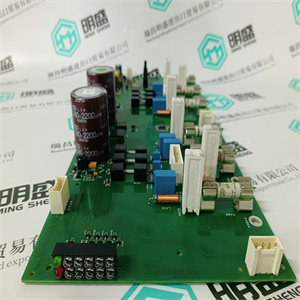 803456-4T 可分布式现场电源模块PlC电源 Reliance
ame control network, might cause control network problems due to the MAC
and IP address handling. See MAC and IP Address Handling in Redundant
Configuration on page 53. Such reuse should not be fulfilled unless both the
replaced module and the module previously acting together with it in redundant
configuration are known to be restored from the previous mutual address swap.
It is recommended to set up an IP-config session and use the “Restore factory
settings” option subsequently followed by reassignment of the IP address or
assignment of a new IP address.
Exchanging Defect RCU Link Cables Online Section 5 Maintenance
210 3BSE036351-600 A
Exchanging Defect RCU Link Cables Online
In Configuration with BC810
If online change proves to be supported, after the above caution has been
considered, and the BC810 are externally supplied with 24V the same steps as in
configuration without BC810 can be followed.
In Configuration with BC820
If online change proves to be supported, after the above caution has been
considered, and the BC820s are externally supplied with 24V the same steps as in
configuration without BC820 can be followed.
In Configuration without BC810
To exchange a RCU link cable in a redundant CPU configuration, perform the
following steps:
1. Switch OFF the Power for the backup CPU. (Power on the primary CPU must
still be On.)
2. Disconnect the RCU link cable from the backup CPU.
3. Disconnect the RCU link cable from the primary CPU.
4. Attach the new RCU link cable to the primary CPU, note the UPPER
orientation on the cable.
Do not replace the RCU link cable online in a previous version than 5.0. The
support for online replacement also depends on hardware Product Revision
levels. Please refer to the Release Notes (see Released User Manuals and Release
Notes on page 31) for detailed information.
Do not replace the optical cable online in a previous version than 5.0. The support
for online replacement also depends on hardware Product Revision levels. Please
refer to the Release Notes (see Released User Manuals and Release Notes on
page 31) for detailed information.
The new cable-ends must be connected to the redundant CPUs (exactly) in the
same way as the replaced cable was. Thus, the UPPER mark on the cable-end
must be located to the same CPU as before the exchange.
Section 5 Maintenance Exchanging Defect BC820 TK857V0003 Cable
3BSE036351-600 A 211
5. Attach the other end of RCU link cable to the backup CPU.
6. Switch ON the Power to the backup CPU.
Exchanging Defect BC820 TK857V0003 Cable
To exchange a TK857V0003 cable in a redundant CPU configuration, perform the
following steps:
1. Switch OFF or disconnect Power for the backup CPU.
2. Switch OFF or disconnect Power for the BC820, if external power is
connected.
3. Disconnect the cable from the backup CPU.
4. Disconnect the cable from the BC820.
5. Attach the new cable to the backup CPU
6. Attach the other end of the cable to the BC820.
7. Switch ON or reconnect the Power to the backup CPU and the BC820. 803456-4T 可分布式现场电源模块PlC电源 Reliance
| | | |